INSTALL APPSON YOURiDRIVE SCREEN.

A whole store of iDrive apps.
Gauges, performance timers, diagnostics — even Doom. Real apps, running on the car's screen. Keep scrolling.
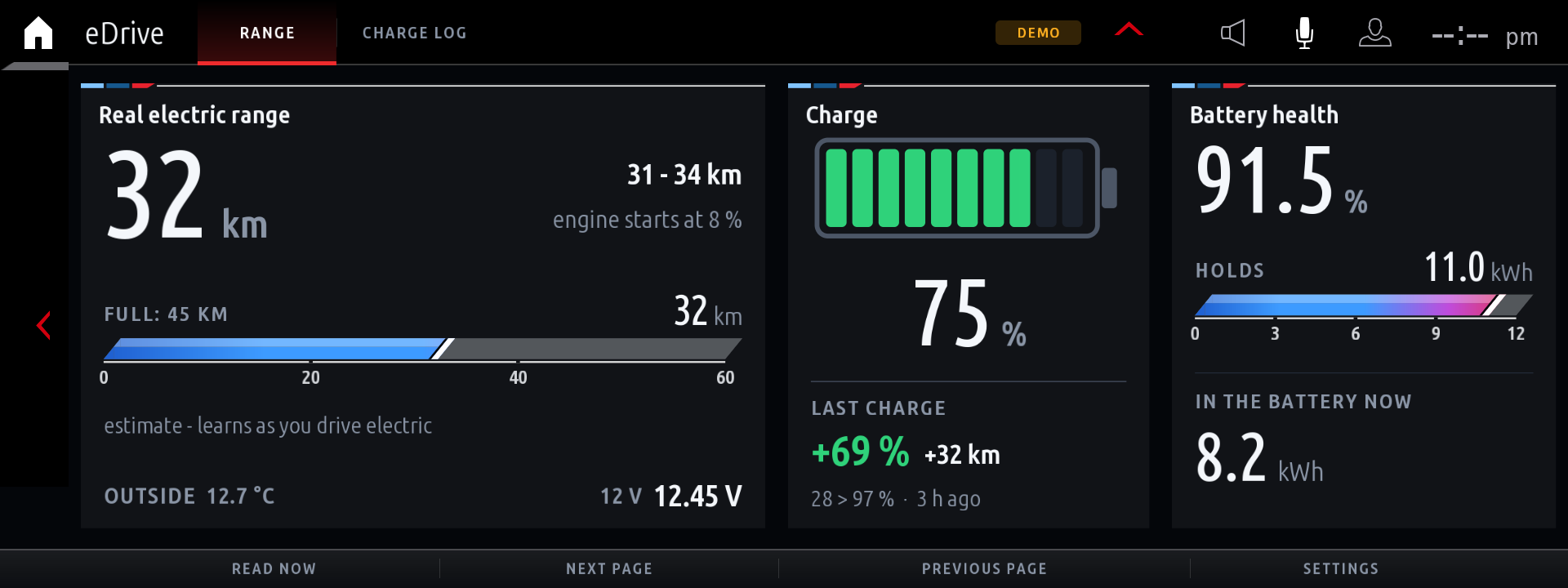
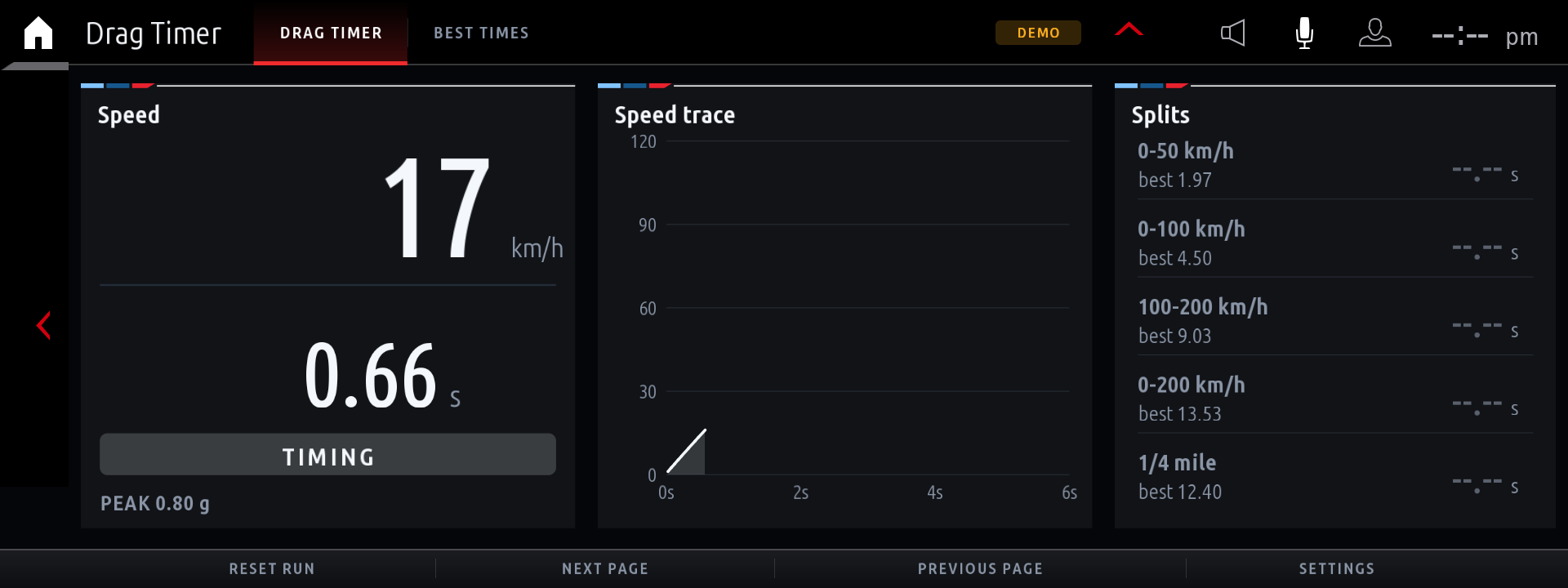
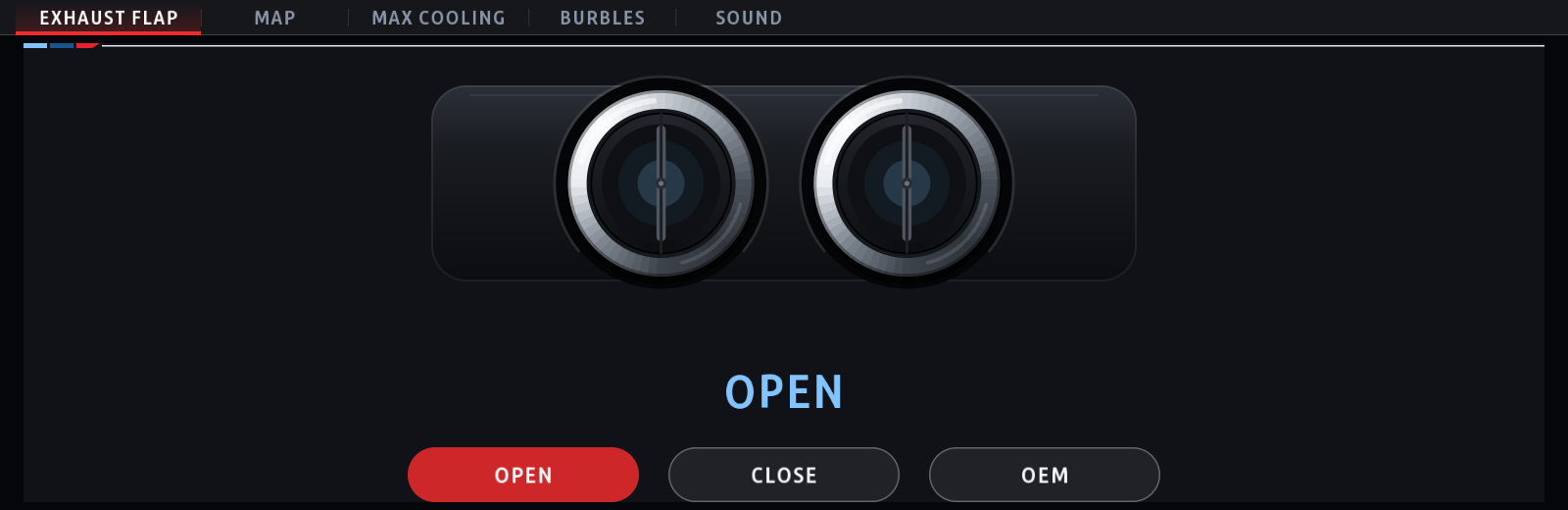
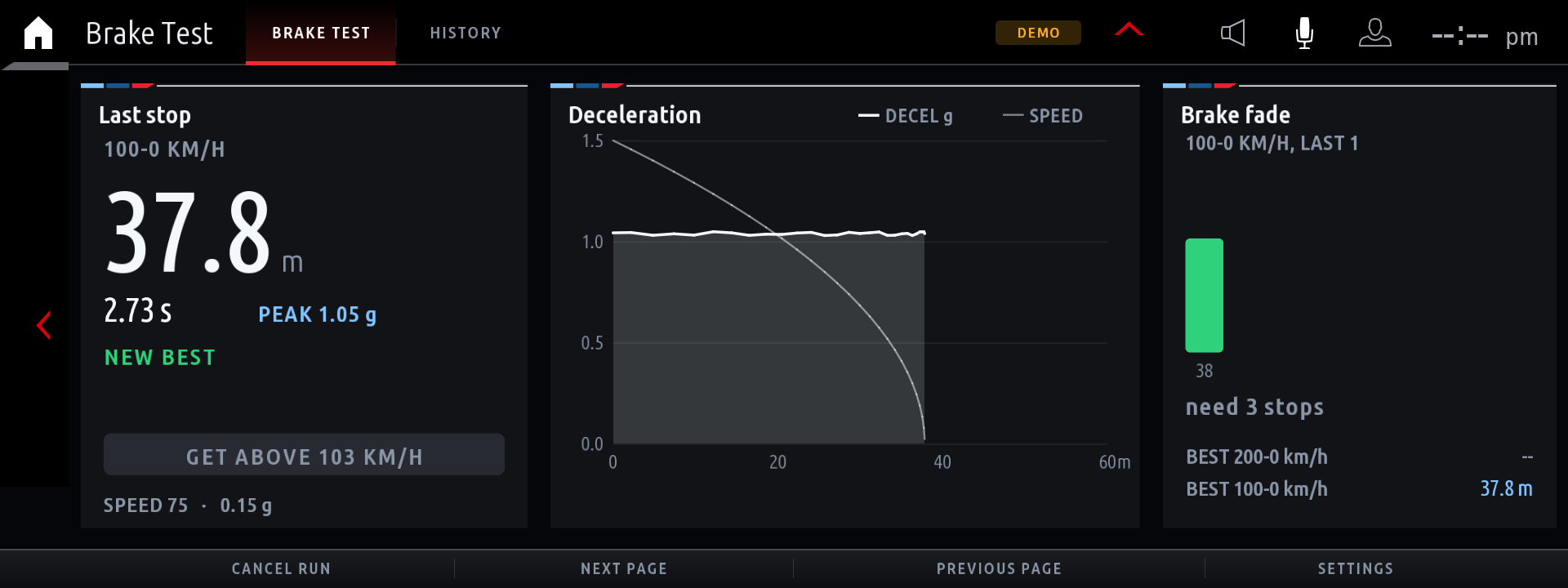
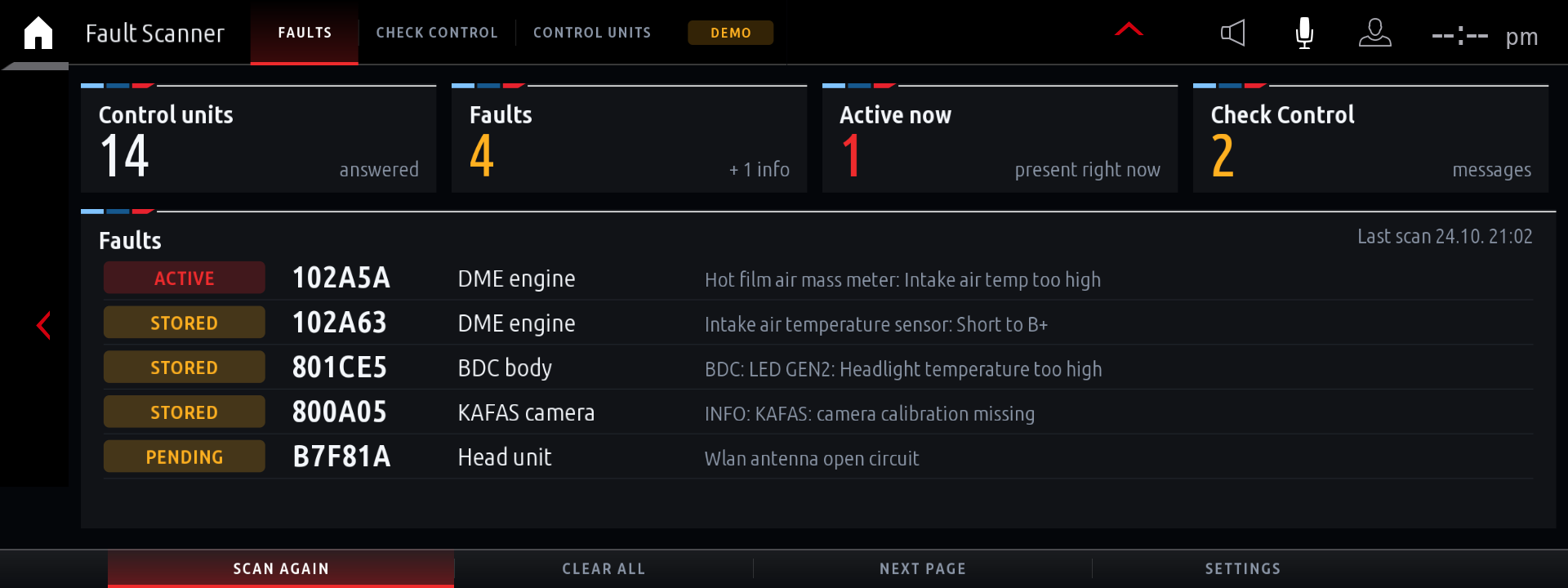
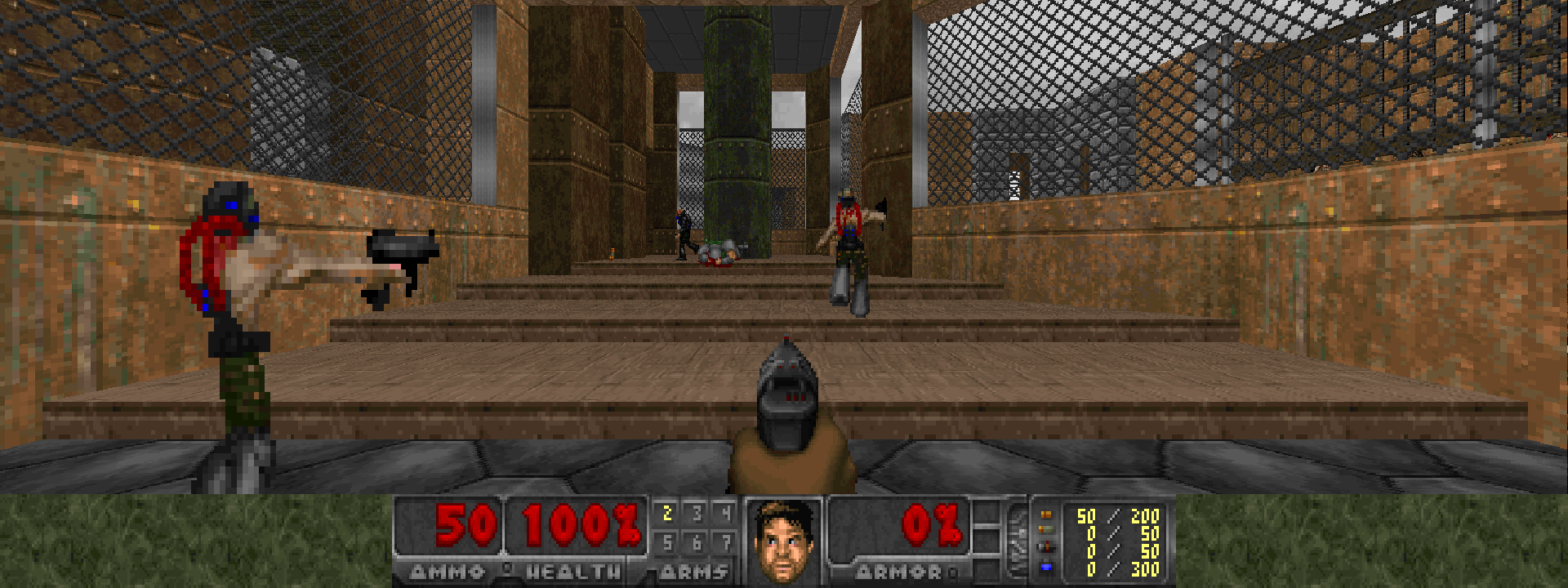
On your screen in minutes.
No garage visit, no coding software, no root. Three steps from a stock BMW to a custom app running on your iDrive screen.
Plug in the ENET cable
Connect your BMW to your iPhone with an ENET cable or Wi-Fi adapter. No cutting, no coding, no dealer visit.
Open BimmerStore
The app finds your car automatically and shows the apps that fit your iDrive 7 or 8 screen.
Install onto your iDrive
Tap Get and the app installs straight onto the car's screen, drawn full-screen by the head unit. Remove it anytime — fully reversible.
Works on your iDrive.
BimmerStore targets the modern BMW head unit — iDrive 7 (MGU) and iDrive 8. The app matches each app to your exact screen, installs over your own connection, and leaves nothing behind when you remove it.
iDRIVE 7
iD7 · MGUiDRIVE 8
iD8 · G-seriesBMW G-SERIES
G20 – G70ENET / WI-FI
Cable or adapterNO ROOT
No permanent codingREVERSIBLE
Remove anytimeOpen your iDrive app store.
Download BimmerStore, plug in the ENET cable, and install your first app tonight. Free — reversible, always.